跳转到主内容

SDW 和 SMHV GUI 在密码文本框处无响应

Views:
135
Visibility:
Public
Votes:
0
Category:
snapmanager-for-hyper-v
Specialty:
legacy
Last Updated:

适用于

  • SnapManager for Hyper-V
  • SnapDrive for Windows
  • Windows Server 2016

问题

在通过 Windows 远程桌面在 Windows Server 2016 上使用 SnapDrive for Windows (SDW) 或 SnapManager for Hyper-V (SMHV) GUI 时,密码文本框会出现以下问题。

  • Microsoft Management Console (mmc.exe) 使用的内存大小激增。
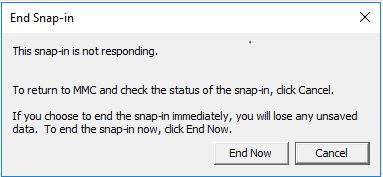
  • GUI 变得无响应,并可能弹出以下错误对话框。 

This snap-in is not responding.
To return to MMC and check the status of the snap-in, click Cancel.
If you choose to end the snap-in immediately, you will lose any unsaved data. To end the snap-in now, click End Now.
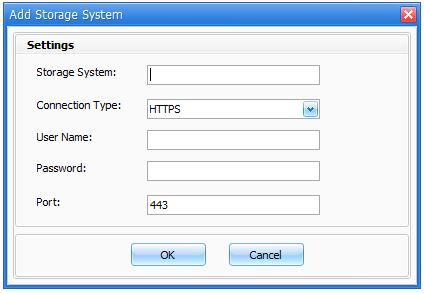
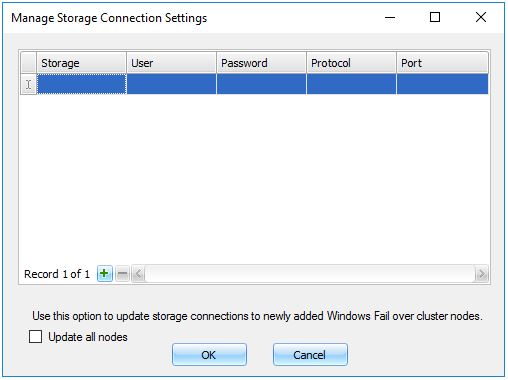
SnapDrive for Windows

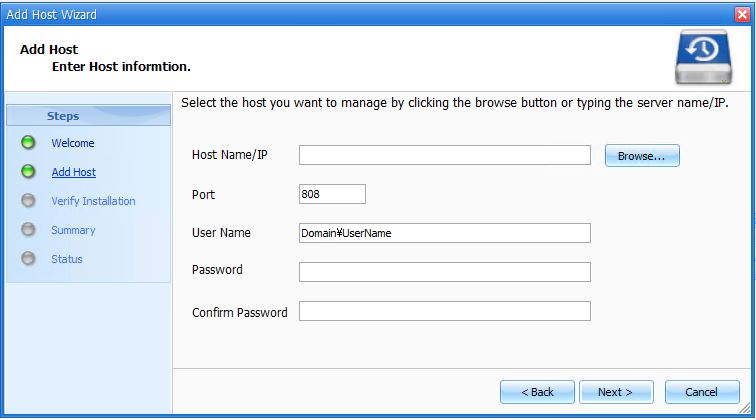
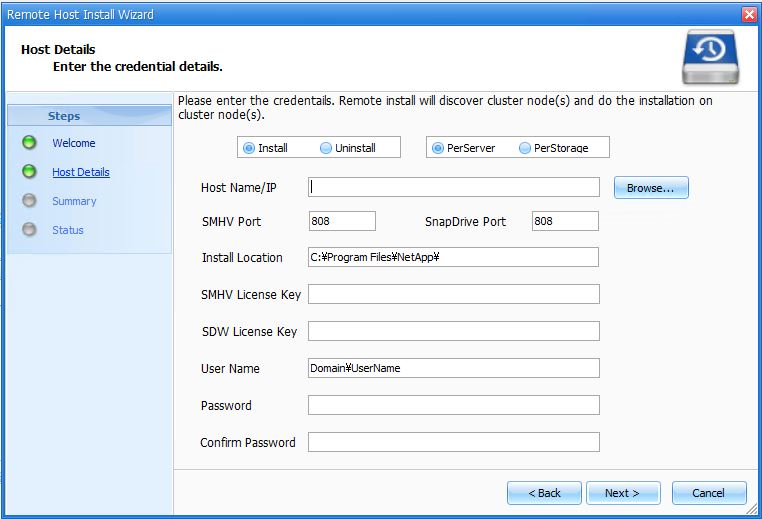
SDW和SMHV在以下窗口中有密码文本框。

SnapManager for Hyper-V

SnapDrive for Windows (SDW) or SnapManager for Hyper-V (SMHV)

SnapDrive for Windows (SDW) or SnapManager for Hyper-V (SMHV)

SnapDrive for Windows (SDW) or SnapManager for Hyper-V (SMHV)


Sign in to view the entire content of this KB article.

New to NetApp?

Learn more about our award-winning Support

NetApp provides no representations or warranties regarding the accuracy or reliability or serviceability of any information or recommendations provided in this publication or with respect to any results that may be obtained by the use of the information or observance of any recommendations provided herein. The information in this document is distributed AS IS and the use of this information or the implementation of any recommendations or techniques herein is a customer's responsibility and depends on the customer's ability to evaluate and integrate them into the customer's operational environment. This document and the information contained herein may be used solely in connection with the NetApp products discussed in this document.